- Error
- Cause
- Solution
Error
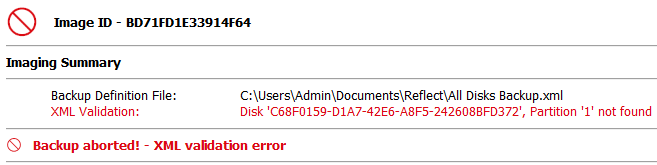
If a backup is failing due to an XML validation error, the backup log will display the following error:
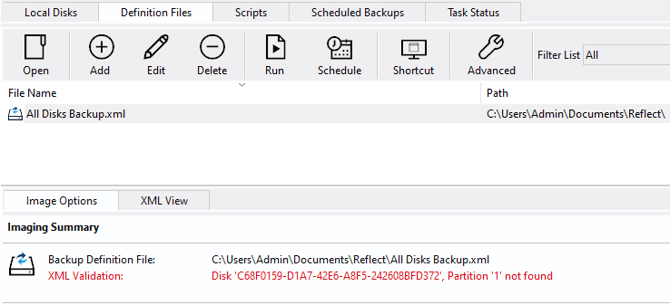
Selecting the relevant definition file on the 'Definition Files' tab will display the same error:
Cause
This error indicates that the partitions intended to be included in the image backup, specified in the definition file, cannot be found on the system. Backup definitions are used to back up disk partitions based on disk IDs and partition numbers on the locally connected disk(s). If a disk is re-initialized, removed, or the disk's partition layout has changed since the backup definition was created, then it may not be possible to determine which partitions were intended to be included in the image file, causing the 'XML validation error'.
Solution
The steps to resolve the error will vary depending on why the disks and partitions in the definition file have changed:
- If a disk that was specified in the definition has been disconnected, simply reconnect the disk to the system and attempt the backup again. Ensure that the disk is connected for subsequent scheduled backups.
- If the partition layout or disk ID of a disk contained in the definition file has changed since the definition file was created, the definition file should be updated to reflect the new partition layout or disk ID.
To do this, navigate to the 'Create Backups' tab and then select the 'Definition Files' tab. Right-click on the definition file that is experiencing the 'XML Validation' error and select 'Edit':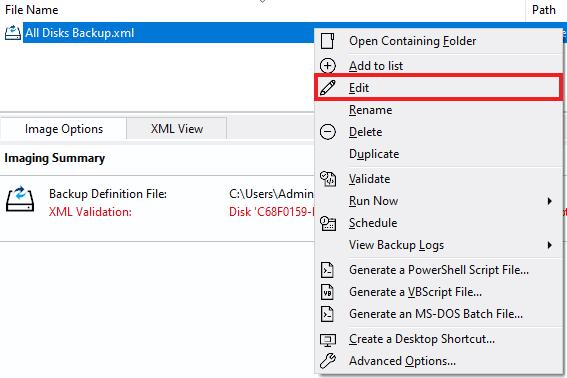
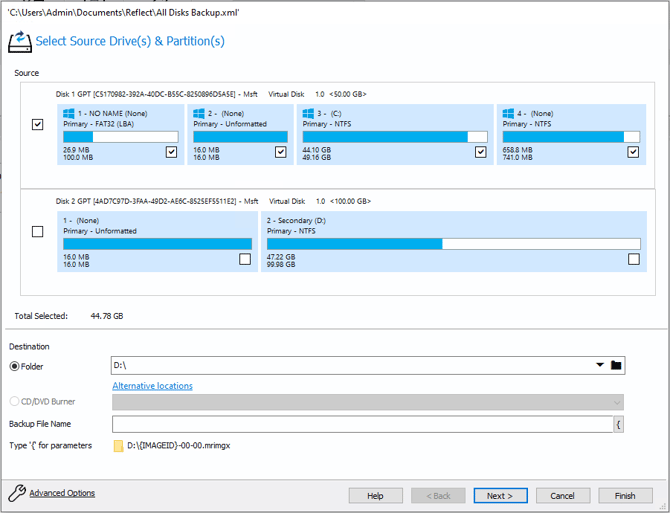
In the window that opens, reselect the disks and partitions that will be included in the image: